
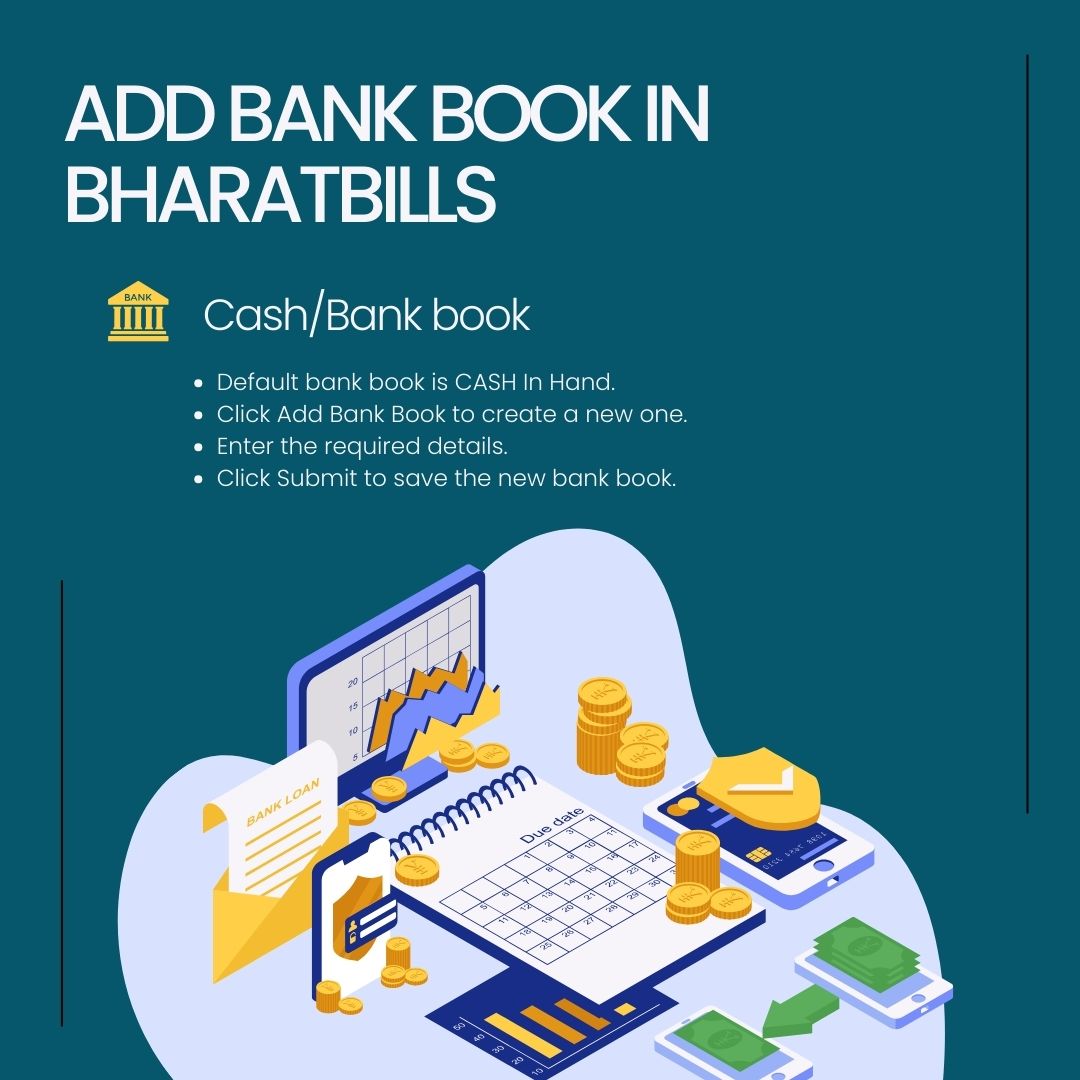
Add Bank Book in BharatBills
A bank book add is essential for those maintaining basic accounting in software. Users can manage multiple banks in BharatBills, which is useful with GST software for small businesses. The separate Cash/Bank book module works seamlessly with GST software for small businesses to ensure accurate financial tracking. Utilizing GST software for small businesses helps streamline accounting while keeping up with GST compliance.
Modules: GST Software for Small Businesses

By default, the bank book named CASH In Hand is provided to the user. Users can add a bank book by clicking on the Add Bank Book option in the GST software for small businesses. This feature enhances financial management, making GST software for small businesses more effective. The GST software for small businesses ensures that all banking transactions are accurately recorded.
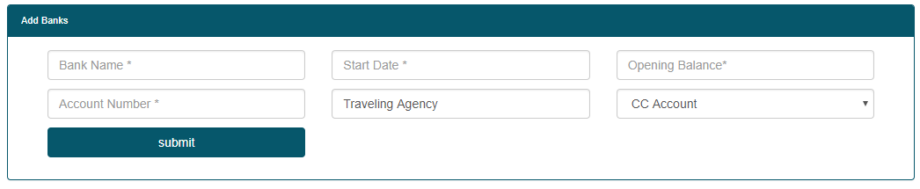
- Bank name
- Start Date
- Opening Balance
- Account Number
- Account Type
Users can enter these details in the GST software for small businesses and click on the submit button to add a bank book. This functionality is essential for maintaining accurate financial records in GST software for small businesses. By effectively managing bank book entries, small business owners enhance their financial tracking within the GST software for small businesses. This feature improves the overall efficiency of GST software for small businesses, ensuring organized financial.
GST software for small businesses streamlines financial management, allowing users to maintain accurate records. With GST software for small businesses, small businesses can ensure compliance and efficient tracking. This GST software for small businesses is essential for organized accounting.
Other Useful Link-
- How to add bank book in Bharatbills online
- How to add bank book in Bharatbills GST
- How to add bank book in Bharatbills 2021